New Extensions for VS Code, Cursor, and JetBrains
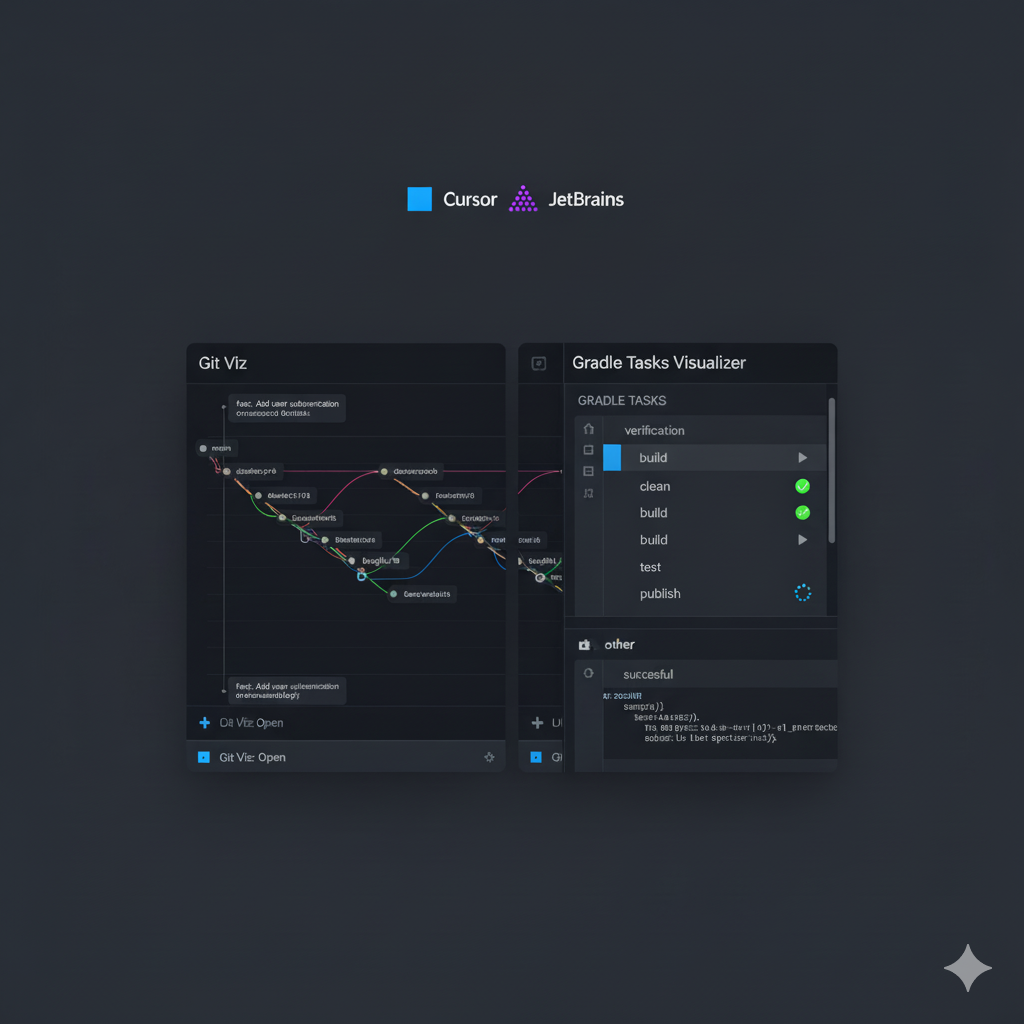
I’m excited to announce the development of several new extensions to improve the development experience in VS Code, Cursor, and JetBrains. These extensions are improved versions that were created to simplify daily work with Git and Gradle, offering interactive visualizations and useful tools for managing projects.
Git Viz - Horizontal Git Repository Visualization
For JetBrains
I’ve developed Git Viz Horizontal, a plugin for JetBrains that provides a horizontal visualization of Git repositories. This plugin allows you to view commit history and branch relationships in an intuitive and interactive way.
🔗 Git Viz Horizontal on JetBrains Marketplace
📦 GitHub Repository
For VS Code and Cursor
Git Viz is also available as an extension for VS Code and Cursor, offering similar functionality with an interface optimized for these editors.
Key Features:
- 📊 Commit History Visualization - Interactive timeline of commits
- 🌳 Branch Graph Display - Visual representation of branch relationships
- 📁 File Change Tracking - Track modifications across commits
- 🔍 Interactive Git Log - Enhanced git log with visual elements
The extension is available on:
Gradle Tasks Visualizer
Gradle Tasks Visualizer is an extension for VS Code and Cursor that allows you to view and execute Gradle tasks in an organized and intuitive way.
Key Features:
- 📋 Task List - Organized list of all Gradle tasks grouped by category
- 🎯 Task Execution - Run tasks directly from the list
- ✅ Result Tracking - Visual feedback showing task execution results (success/failure)
- 📊 Execution Output - View task output and execution status in expandable sections
- ⚡ Real-time Updates - See task execution status in real-time
The extension is available on:
Installation
All extensions can be installed directly from their respective marketplaces:
- For VS Code/Cursor: Open the Extensions view (Ctrl+Shift+X), search for the extension name, and click Install
- For JetBrains: Go to File → Settings → Plugins, search for “Git Viz Horizontal” and install
Usage
Git Viz
- Command Palette: Press Ctrl+Shift+P (or Cmd+Shift+P on Mac) and type “Git Viz: Open”
- Context Menu: Right-click in the Explorer panel and select “Open Git Viz”
Gradle Tasks Visualizer
- Command Palette: Press Ctrl+Shift+P and type “Gradle Tasks: Open Gradle Tasks Visualizer”
- Context Menu: Right-click on build.gradle or build.gradle.kts in the Explorer panel
Technical Notes
These extensions were developed to be lightweight and performant:
- Git Viz executes git commands directly to retrieve repository information
- Gradle Tasks Visualizer uses the
gradle tasks --allcommand to retrieve all available tasks - Both extensions support both Gradle wrapper projects and global Gradle installations
Current Status
These extensions are improved versions with enhanced features and better performance. However, as they are actively being developed, they may still have some bugs or issues. I’m continuously working on improvements and bug fixes.
Conclusion
These extensions were created to improve daily productivity in development. I hope they can be useful to other developers as well. If you encounter any bugs or have suggestions for improvements, please don’t hesitate to open an issue on the respective GitHub repositories. Users can open issues, report bugs, request features, or contribute to the projects. Your feedback is valuable and helps make these extensions better for everyone.
GitHub Repositories:
Happy coding! 🚀